BatteryGuard: Why Your Phone Does Not Get Hot
One authority decides what the phone can afford from battery, charging state and thermal status, and every heavy operation asks it first — then says so in plain words.
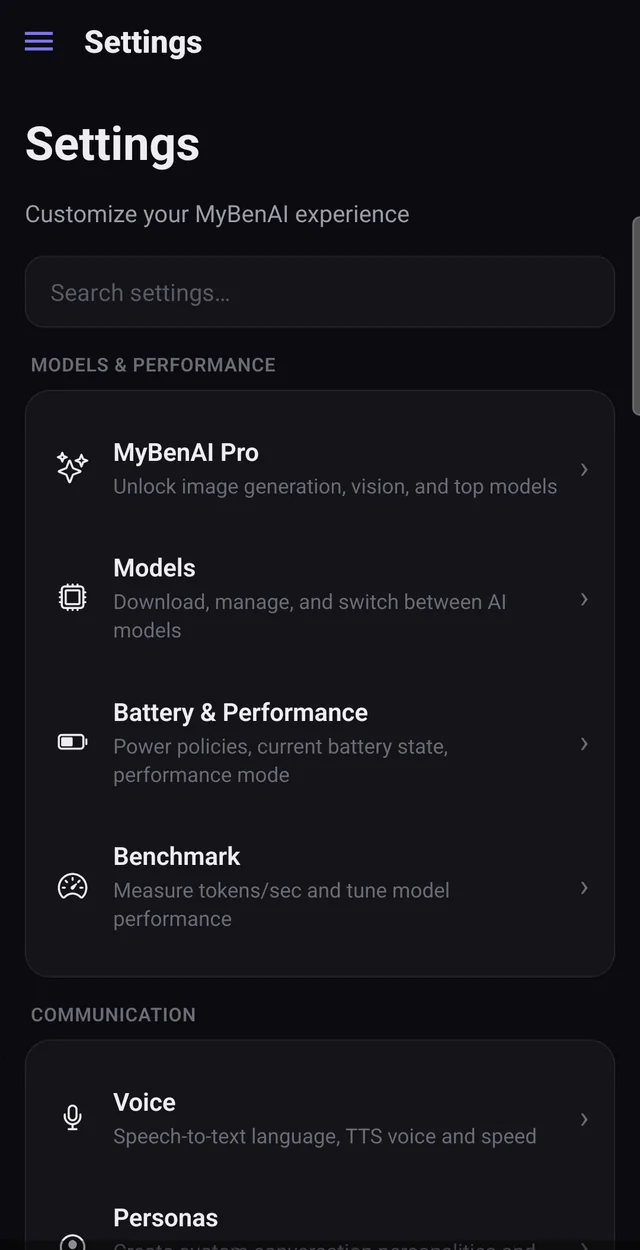
Running a neural network on a phone is a thermal problem before it is anything else. Most local-AI apps ignore this and let you discover it as a hot phone and a dead battery. MyBenAI has a single component whose entire job is deciding what the device can afford right now.
One authority, consulted by everything
No part of the app reads the battery or the thermal state directly. They all ask BatteryGuard for a budget and subscribe to changes. Loading a model, generating a reply, drawing an image, running a scheduled job, fanning out sub-agents, downloading weights — every one of them goes through it. One place to reason about, one place to change policy, and no path around it.
What it actually adjusts
- Threads. Charging: most of your cores. On battery: about half, capped. In a low-power or serious thermal state: two.
- Agent fan-out. Four in parallel while charging, fewer on battery, zero when the phone is low.
- Whether the heavy thing runs at all. Below the threshold, image generation and model loads are refused.
Refusal in plain words
When something is blocked you are told what and why — "plug in to continue" — rather than being left with an app that has quietly become slow. If the model tries to use a blocked tool, it gets a structured refusal it can explain to you in the conversation.
The policy is tested code
The thresholds live in one pure function with unit tests around it, not scattered through the UI. That is why the behaviour is consistent, and why it can be tuned without breaking three unrelated screens.
Looking for something else? Every page on this site.